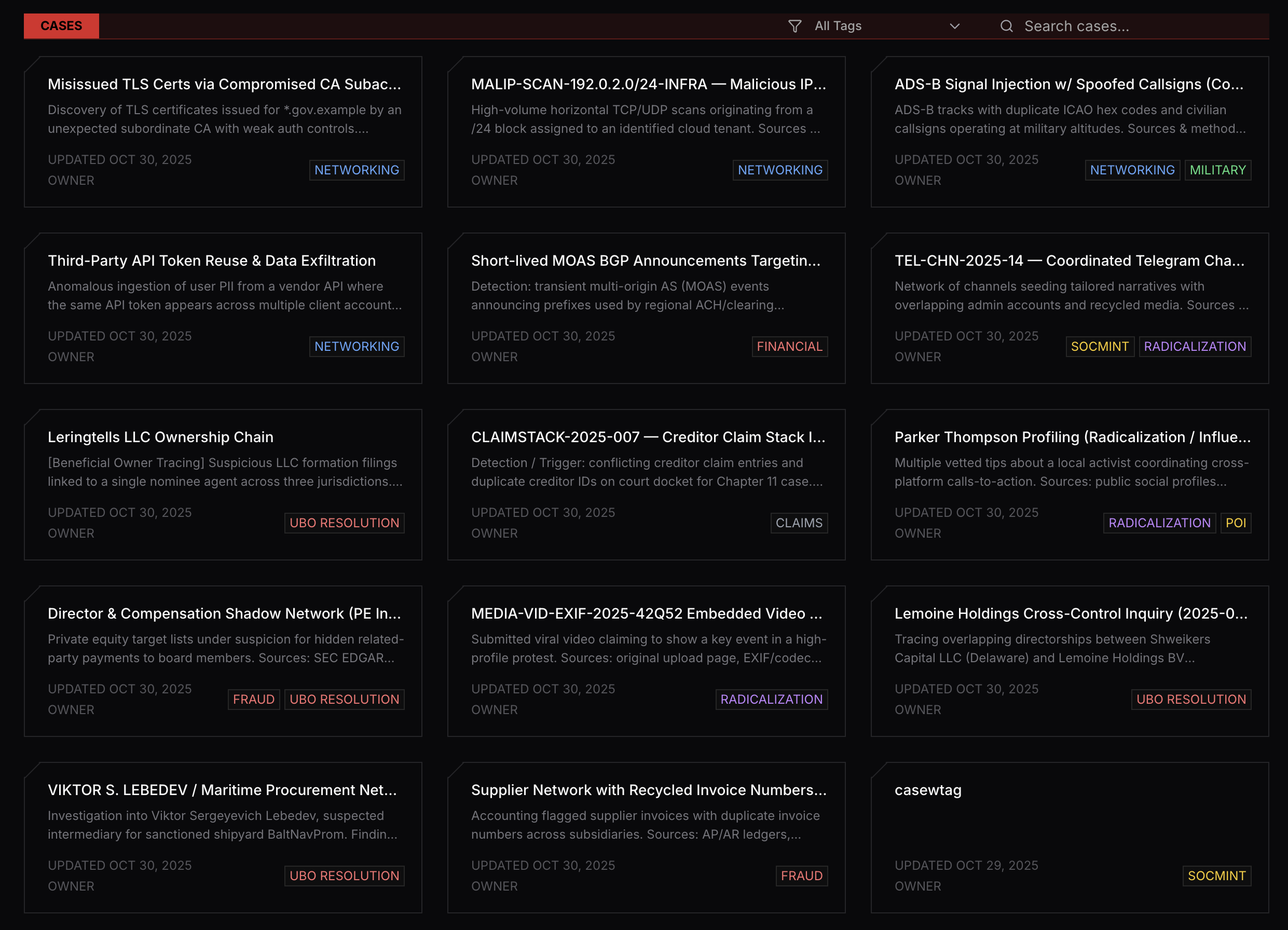
What is a Case?
A case is a container for all investigation-related data and activities. It provides:- Centralized organization - Keep all entities, documents, and findings in one place
- Relationship mapping - Visualize connections between people, organizations, and events
- Team collaboration - Share insights and work together on investigations
- Access control - Manage who can view and edit case information
Getting Started with Your First Case
When you first access Cases, you’ll see an empty state view prompting you to create your first case.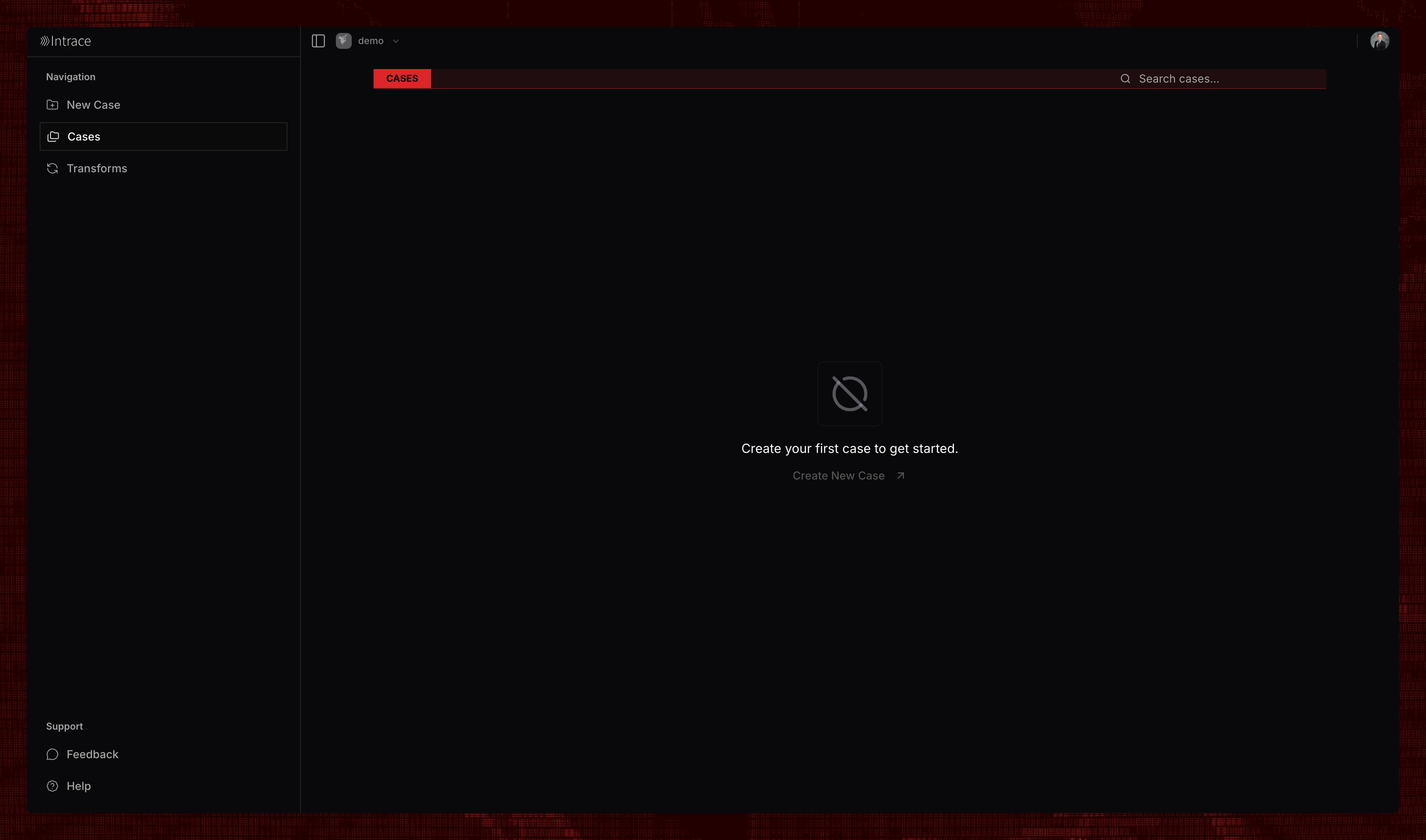
Creating a Case
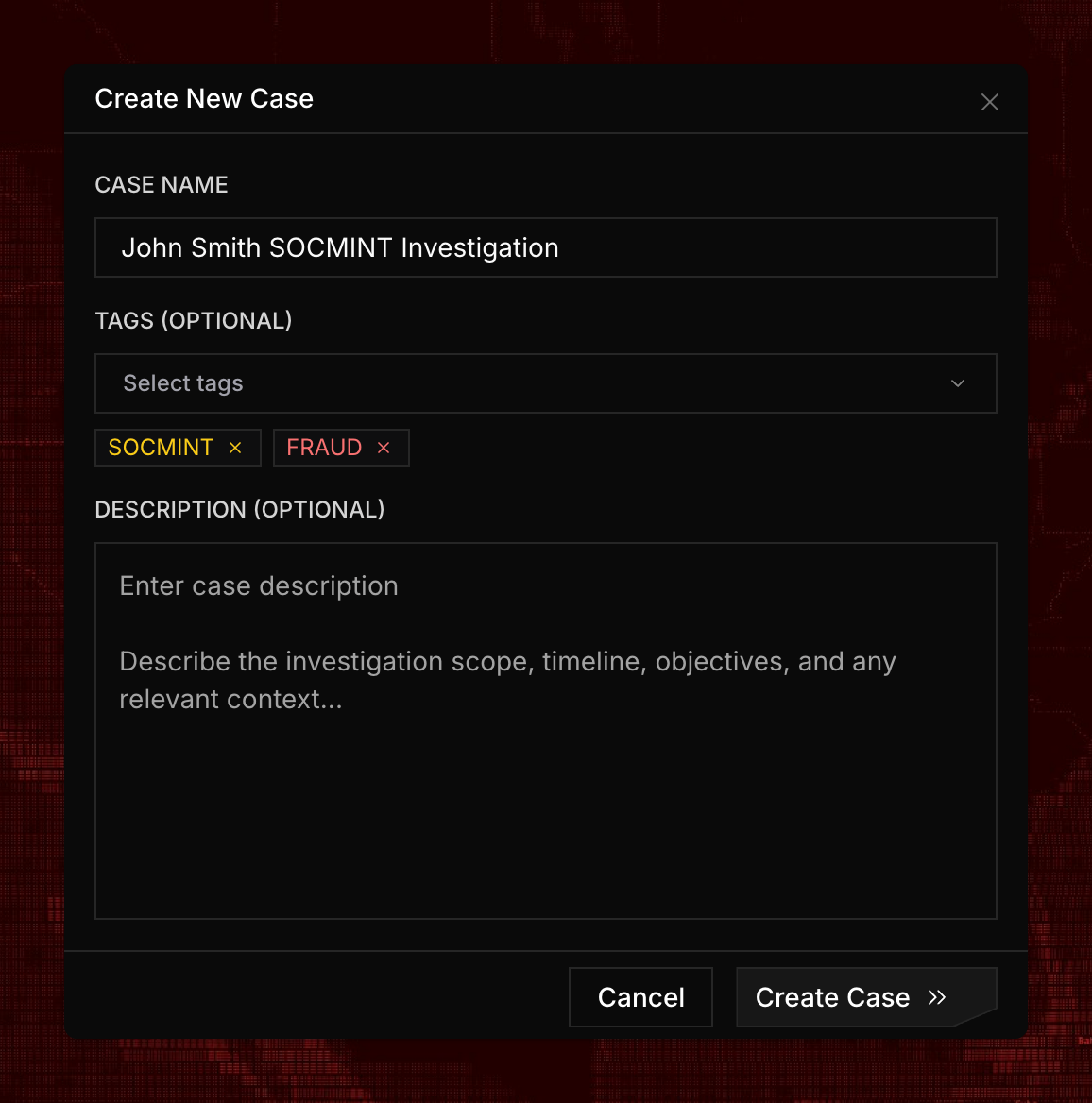
To create a new case:1
Click New Case
Click the “New Case” button to open the case creation dialog.
2
Enter Case Details
Provide a name and description for your case.
3
Add Tags
Add tags to your case to help organize and categorize your investigations.
Working with Cases
Once you’ve created a case, you have access to multiple investigation types. Each case can contain any number of investigations of each type, allowing you to conduct comprehensive, multi-faceted investigations.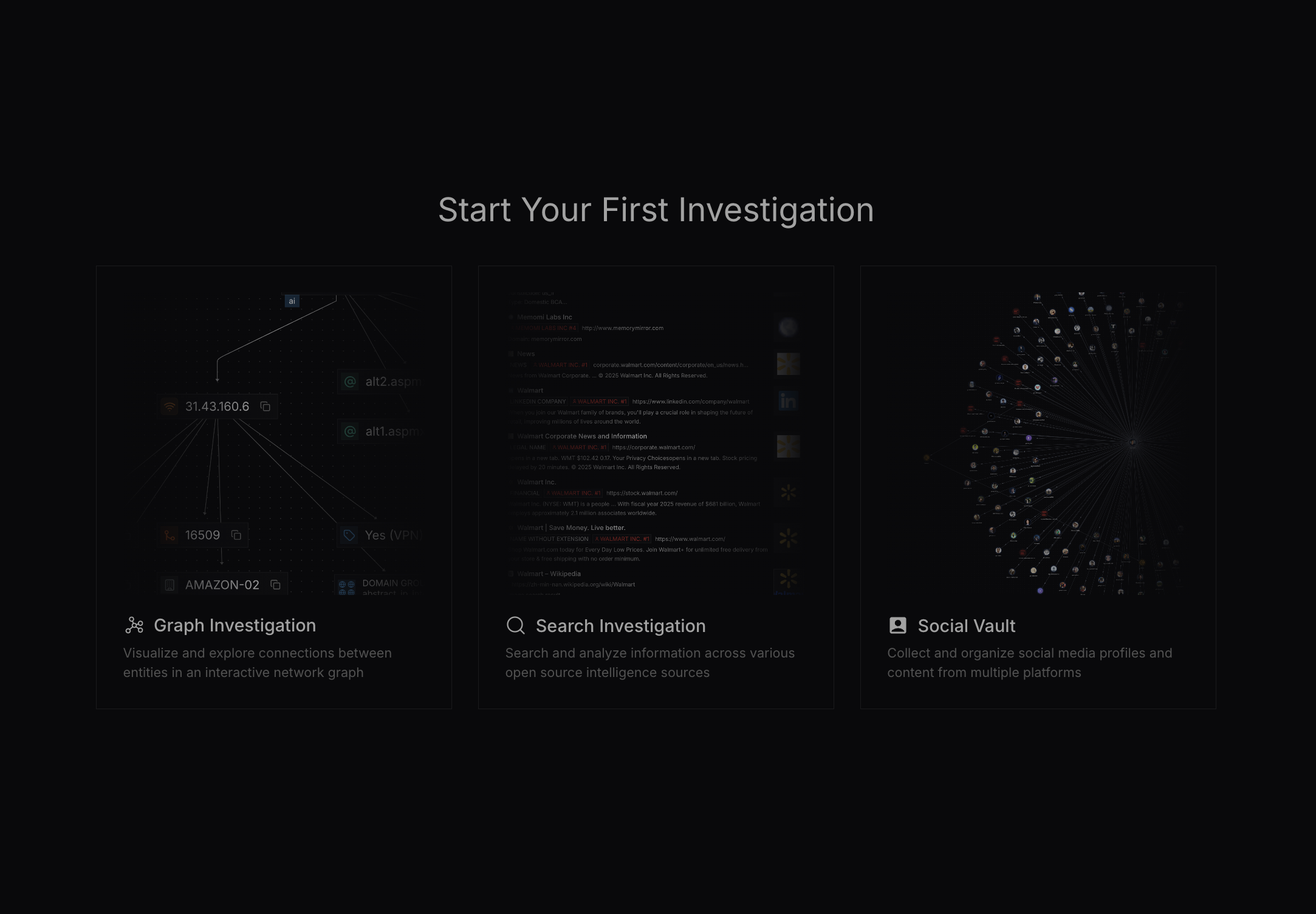
- Graph Investigation - Visualize and explore relationships between entities
- Search Investigation - Search across multiple data sources with AI filtering
- Social Vault Investigation - Archive and analyze social media and digital evidence
Case Entities
Case entities serve as a way to document persons of interest (POIs) and companies at a global case level, making them accessible across all investigations within the case. Learn more about Case Entities.Editing Cases
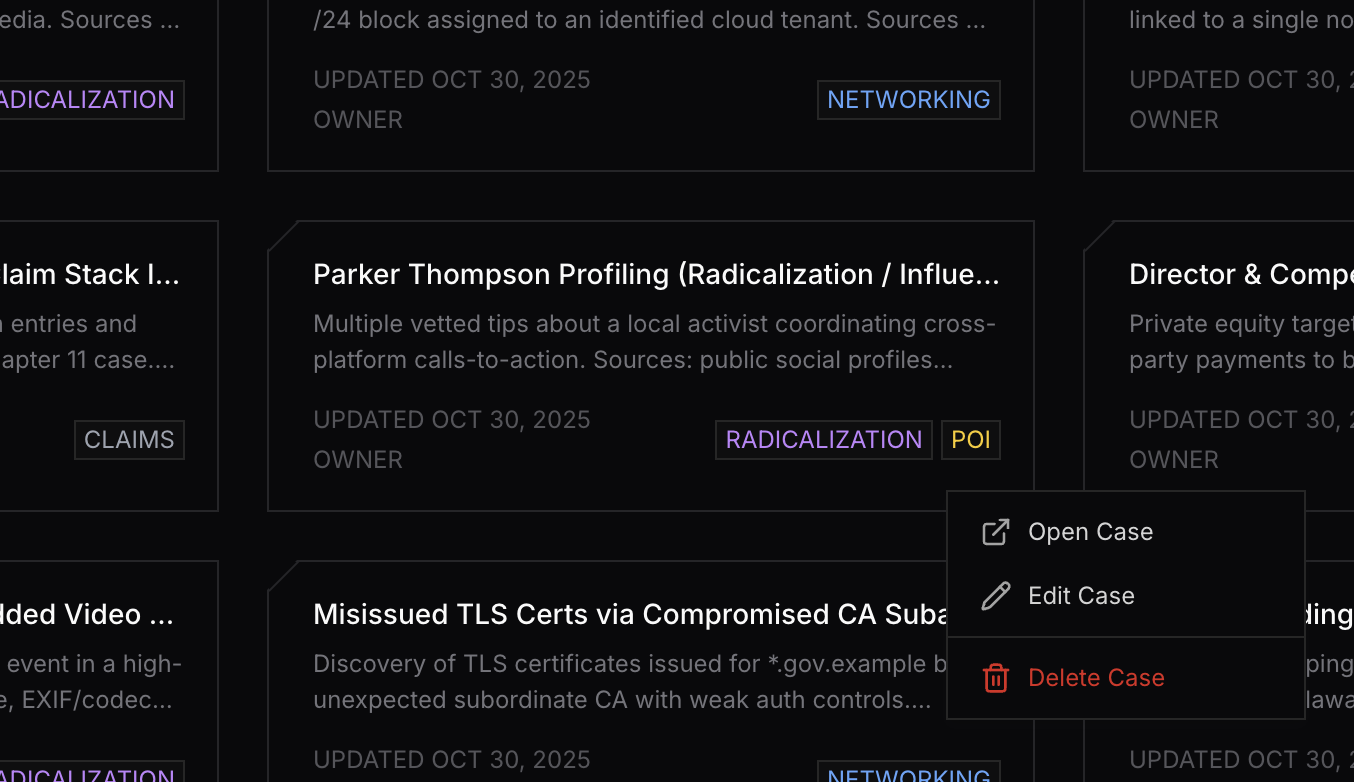
To edit or delete an existing case, simply right-click on the case to access the context menu with available options.