> ## Documentation Index
> Fetch the complete documentation index at: https://docs.intrace.ai/llms.txt
> Use this file to discover all available pages before exploring further.
# Graph Overview
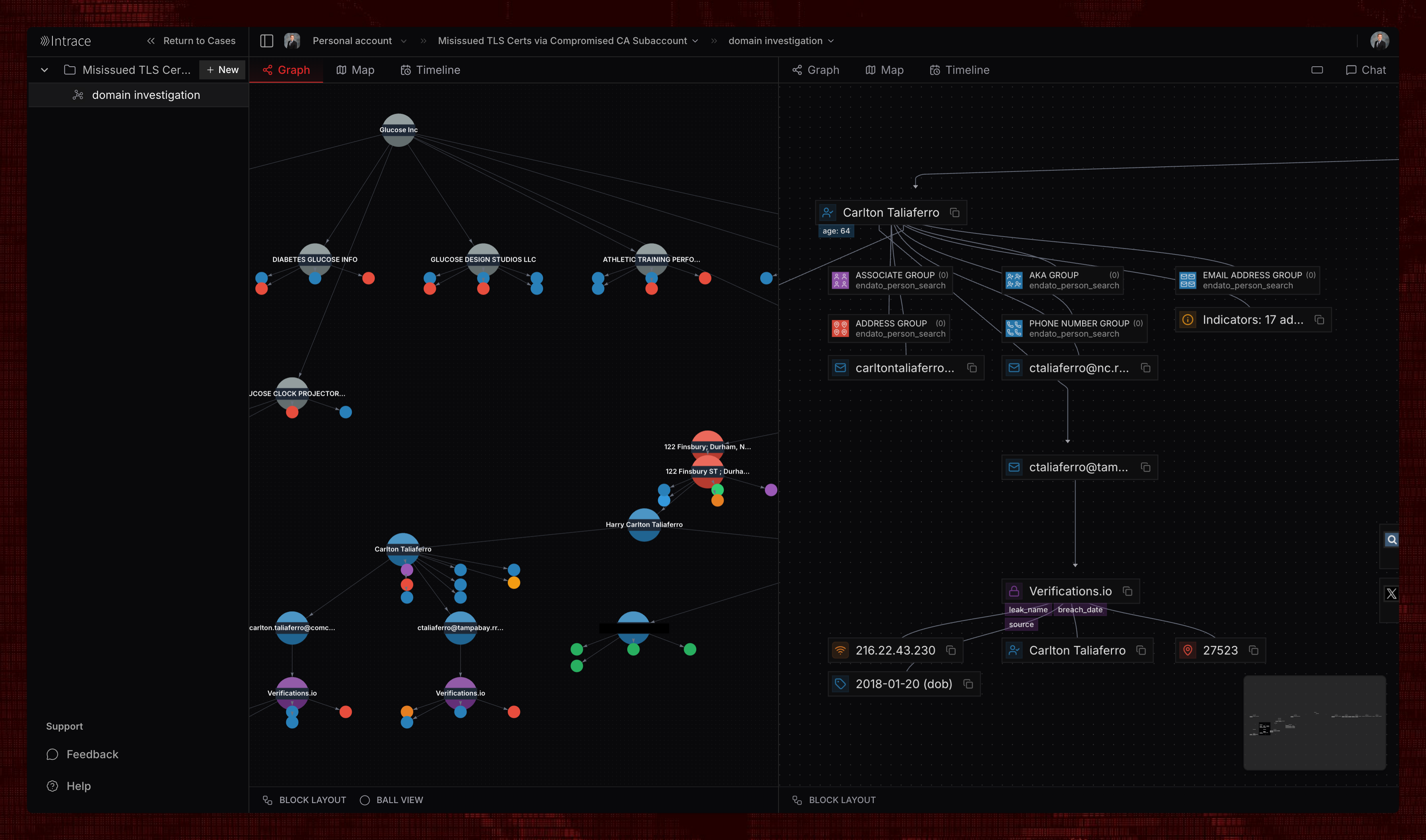
The Graph is Intrace's powerful visualization tool for exploring connected entities and relationships in your investigations. It provides an intuitive, interactive interface for understanding complex networks and uncovering hidden patterns.
 ## Link Analysis
Link analysis is at the heart of Intrace's investigative capabilities. By visualizing connections between entities, you can identify patterns, trace relationships, and uncover insights that would be difficult to discover through traditional linear investigation methods.
## Link Analysis
Link analysis is at the heart of Intrace's investigative capabilities. By visualizing connections between entities, you can identify patterns, trace relationships, and uncover insights that would be difficult to discover through traditional linear investigation methods.
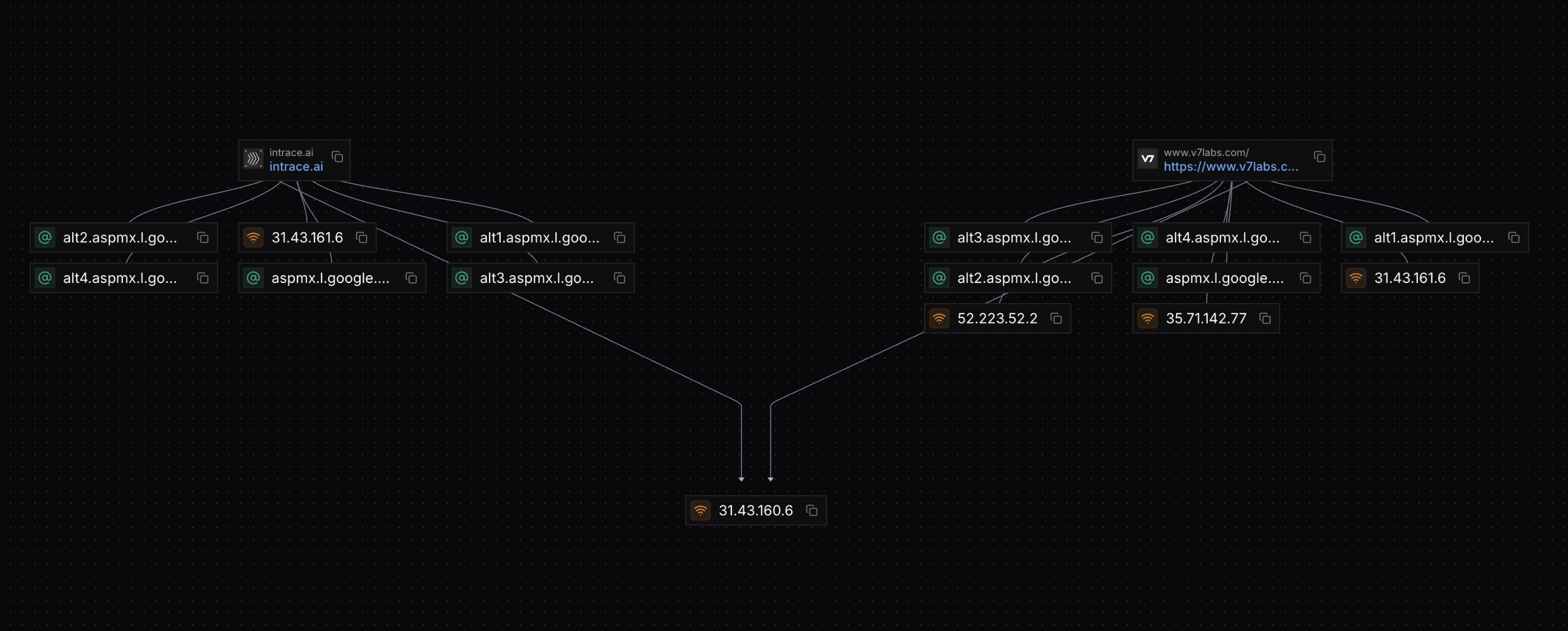 The Graph allows you to perform sophisticated link analysis by connecting data points, revealing hidden relationships, and mapping out complex networks. Whether you're tracking financial flows, social connections, or communication patterns, the visual representation helps you see the bigger picture and identify critical nodes in your investigation.
## Key Features
The Graph enables investigators to visualize data relationships and discover connections that might not be apparent in traditional search results.
Select and interact with individual nodes to explore entity details and
connections.
Apply powerful transforms to expand your investigation and discover new
connections.
Navigate large networks with smooth zooming and panning controls.
The Graph allows you to perform sophisticated link analysis by connecting data points, revealing hidden relationships, and mapping out complex networks. Whether you're tracking financial flows, social connections, or communication patterns, the visual representation helps you see the bigger picture and identify critical nodes in your investigation.
## Key Features
The Graph enables investigators to visualize data relationships and discover connections that might not be apparent in traditional search results.
Select and interact with individual nodes to explore entity details and
connections.
Apply powerful transforms to expand your investigation and discover new
connections.
Navigate large networks with smooth zooming and panning controls.